





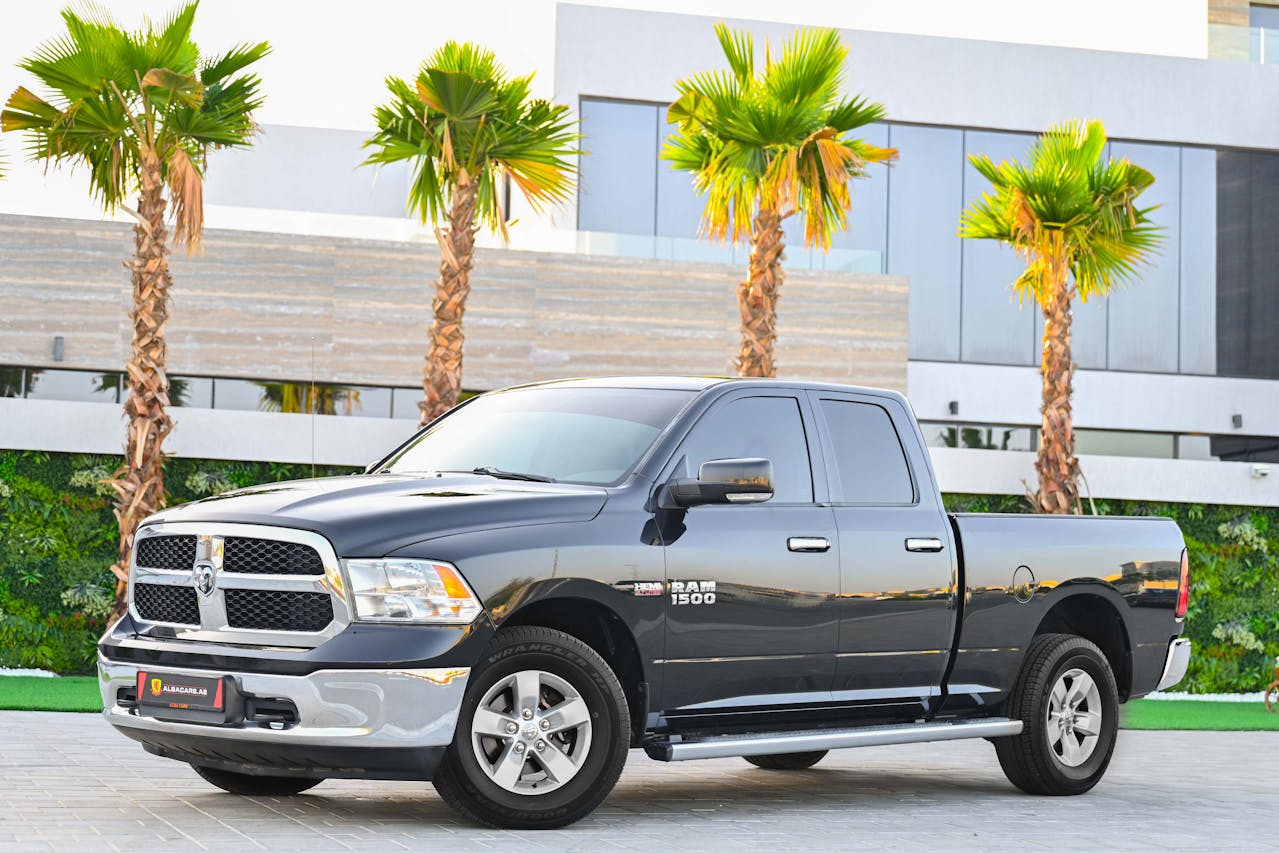
If you’ve ever tried using the RAM Build and Price online calculator and felt like tearing your hair out, you’re not alone. This tool, designed to help potential buyers estimate costs and customize their vehicles, can sometimes be more trouble than it’s worth. Whether you’re facing slow loading times or unexpected price discrepancies, figuring out these issues is crucial so you can focus on getting behind the wheel of your dream vehicle.
For those in Levittown looking to get a better handle on the RAM Build and Price calculator, it’s useful to understand the typical challenges that arise. Addressing these issues head-on can save you both time and frustration. Let’s go through some common hiccups and their straightforward solutions to ensure that you have a smoother experience.
Common Issues with the RAM Build and Price Online Calculator
Using the RAM Build and Price tool can feel like a small victory when it works seamlessly. But when things go wrong, it can quickly become a headache. Here’s a quick look at some frequent problems people face:
- Loading problems might test your patience. Whether it’s the tool taking forever to load or simply freezing, this can be a thorn in your side when you’re eager to see your configurations come to life.
- Compatibility issues pop up when the calculator doesn’t play nice with certain browsers or devices. If you’ve ever been greeted by a blank screen or strange errors, there’s a good chance compatibility is to blame.
- Pricing discrepancies can be a real surprise. You might see one number online, only to find that the dealer has a completely different set of figures. Understanding why this happens can help manage expectations.
Steps to Resolve Loading Problems
Loading issues can be a real time-sink, but sometimes the fix is simple:
- Clear your browser cache. A full cache can slow down page loading. To fix it, go into your browser settings, locate the option to clear browsing data, and give it a go.
- Double-check your internet connection. Sometimes, slow loading can be as simple as a weak Wi-Fi signal. Resetting your router or moving closer to the source can do wonders.
- Test another browser. Different browsers have varied compatibility with certain tools. If you usually use one, try switching to Chrome, Firefox, or Safari to see if it solves the loading woes.
With a few straightforward steps, you can often breathe new life into the tool and continue planning your vehicle without a hitch.
Fixing Compatibility Issues
When your RAM Build and Price calculator chooses not to cooperate with your browser or device, working through compatibility issues is your best bet. Outdated tech often throws a wrench in the works, but updating your browser can help. Regular updates not only bring fresh features but also fix bugs that might be behind the trouble you’re facing.
Occasions arise when disabling browser plugins can refresh your experience. These add-ons, while helpful, can sometimes meddle with how websites function. To take charge, navigate to the extensions or plugins section in your browser settings and temporarily turn off the ones you suspect might be causing issues. You can win back control of your browsing experience this way.
Sometimes it’s just about switching from your trusty phone or tablet to a computer. Mobile devices sometimes have trouble handling sophisticated web applications, leading to unexpected errors. Try using a desktop or a laptop to potentially sidestep these compatibility hiccups.
Addressing Pricing Discrepancies
Getting a different number online compared to the price at the dealership can be frustrating. Often, it’s not as straightforward as it seems. The price you see in the calculator might not include certain fees that the dealership must add later. Things like dealer fees, taxes, and other charges can bump up the final price.
Regional pricing variations can also catch you off guard. Pricing might differ depending on your area due to market demands or promotional offers. It’s similar to buying a souvenir—the cost might change based on where you’re purchasing from. Awareness of this can ease some of the shock.
If you’ve gone through all possible avenues and things still don’t add up, reaching out to customer support can clear the air. A chat or quick call can shed light on discrepancies, giving you a clearer path forward in the buying process.
Getting the Most Accurate Results
Achieving accurate results from the RAM Build and Price calculator depends on a few key practices. Keeping your browser current is a smart move. Updates enhance security and may fix bugs that otherwise lead to quirks in how the calculator operates.
Attention to detail matters when entering information. Double-checking details like your ZIP code or the vehicle options ensures the calculator has everything it needs to provide a reliable estimate. A small typo can lead to a big misunderstanding, so a little thoroughness goes a long way.
Connecting with Town & Country Jeep Chrysler Dodge Ram, or your local dealership, gives you professional input when you hit roadblocks. These experts can provide personalized advice and solutions tailored to your unique situation.
Ensuring a Smooth Online Experience in Levittown
The key to a successful experience starts with navigating potential obstacles with the RAM Build and Price calculator. By tackling loading or compatibility issues with simple changes and remaining aware of why price differences arise, the process feels less daunting.
Following the steps we’ve shared can mitigate these technical frustrations. When problems arise, having an understanding of the underlying issues not only boosts confidence but also empowers you to make informed decisions when purchasing a vehicle. Taking these factors into account, you can transition smoothly from an online exploration of configurations to real-life ownership of your dream vehicle.
To streamline your vehicle shopping experience, explore the Ram Build and Price in Levittown to customize and estimate your dream vehicle’s cost. For any questions or assistance you might need, Town & Country Jeep Chrysler Dodge Ram is here to help ensure a smooth path from online browsing to vehicle ownership.
Connect with us


- June 2026
- May 2026
- April 2026
- March 2026
- February 2026
- January 2026
- December 2025
- November 2025
- October 2025
- September 2025
- August 2025
- July 2025
- June 2025
- May 2025
- April 2025
- November 2023
- October 2023
- September 2023
- August 2023
- July 2023
- June 2023
- May 2023
- April 2023
- March 2023
- February 2023
- January 2023